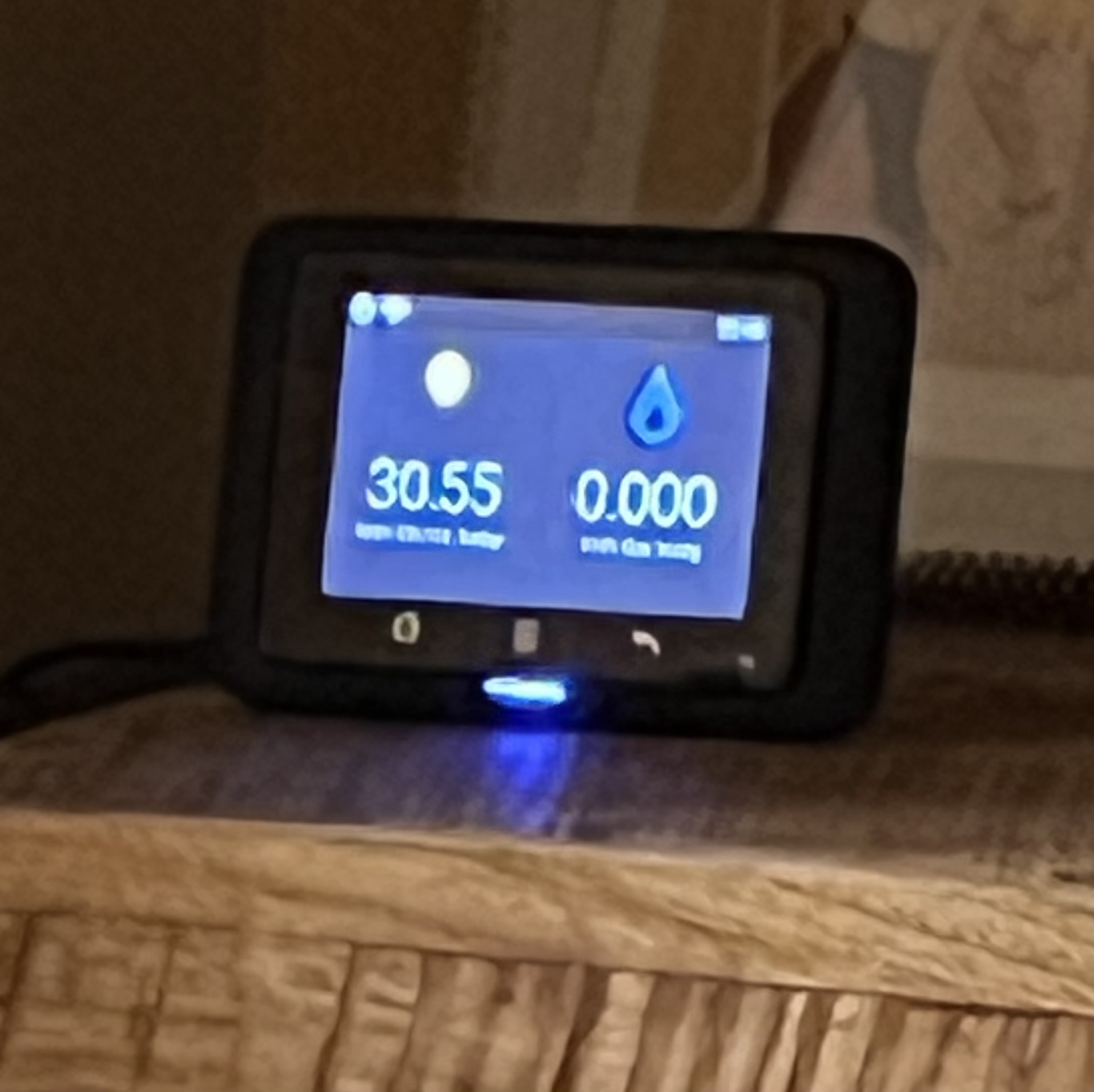
Their web site at powershaper.io now says
We’ll need a code from your In Home Display to prove that this is your meter.
So it seems it you may have to briefly connect one.
Their web site at powershaper.io now says
We’ll need a code from your In Home Display to prove that this is your meter.
So it seems it you may have to briefly connect one.
Hi Tom! Just to confirm at the moment we do require the code from your in-home display (IHD) unit in order to verify that you are the owner of the meter. Currently this is the only way we can do it (without a fairly complicated dog-leg in the process).
However, there is the possibility that this will change in the near future. We are hopeful about getting a project which would allow us to integrate a mechanism for sign-up which uses a bank card registered to the address, or potentially a photograph of a recent bill. Some of this depends on what is feasible with the system, and is also funding dependent, but we are definitely keen to find a workaround for this!
More broadly, energy suppliers are required to provide an IHD when they fit a smart meter, but unfortunately are not required to replace if they break, or are lost. As smart meters are no longer a new technology, this is becoming a bigger problem, and something we really want to address with our system.
I know this isn’t the most helpful answer, but I will make sure to share any updates we might have with our system as they arrive.
You don’t need to have it switched on. You just need the serial number.
My IHD is in its original box in the loft and a few times I’ve needed to go up there to read the number.
Yes, the serial number is just required for the initial pairing, it doesn’t need to be connected. Thanks for clarifying Tim.
Oh, great; maybe the web site could make that clearer?
While I have you, does PowerShaper provide an API, maybe even one compatible with Home Assistant’s Energy Dashboard?
Hi Tom, thanks for the feedback on the website - I will see if we can make that clearer.
In terms of PowerShaper API, we do indeed. The documentation for the API is down currently, but we should be getting it back up soon.
I would need to have a look at getting it into Home Assistant, but my feeling is that should be achievable.
I’ll post an update here when the documentation issues are resolved, and I have had a chance to check in on linking to HA’s energy dashboard.
Oh, great!
The only other way I’ve found to get usage data out of a smart meter and into HA is some crazy fork of a fork of a fork that still may or may not work since Feb.: GitHub - jonandel/ha-hildebrandglow-dcc: Home Assistant integration for UK SMETS (Smart) meters pulling data from the DCC via the Hildebrand Glow API · GitHub and may or may not require purchasing a different IHD to whatever you already have, unless you are willing to lock yourself to Octopus and their optional custom hub forever.
You don’t necessarily need a new IHD. The old one will continue to function as before, if you bother with it. What you need is a device providing a data feed, preferably local.
In fact you don’t even need to buy that. With Hildebrand’s “Bright” app and an Octopus mini you can get the data you need. For supplier independence Hildebrand offer a few devices.
I should add that I’m going by what I’ve read elsewhere. I am not an automater.
We have also used the Hildebrand Glow CAD in a few instances, and it does work very well - and is easy to integrate with Home Assistant. You can access the data locally using MQTT, or with their Bright service through the app.
It is worth noting that with local MQTT access you can get highly granular energy data, but through the app I believe that it reverts to the DCC’s half-hourly data over the longer term.
Hildebrand is the intermediary who we use to access smart meter data from the DCC in PowerShaper, so their data should be essentially the same as what you can access on PowerShaper.
I don’t even have a smart meter yet, as we’re waiting for a date for our solar install, but it seems I can sign up to the Bright web site once I do, and get gas and electricity data into HA that way.